
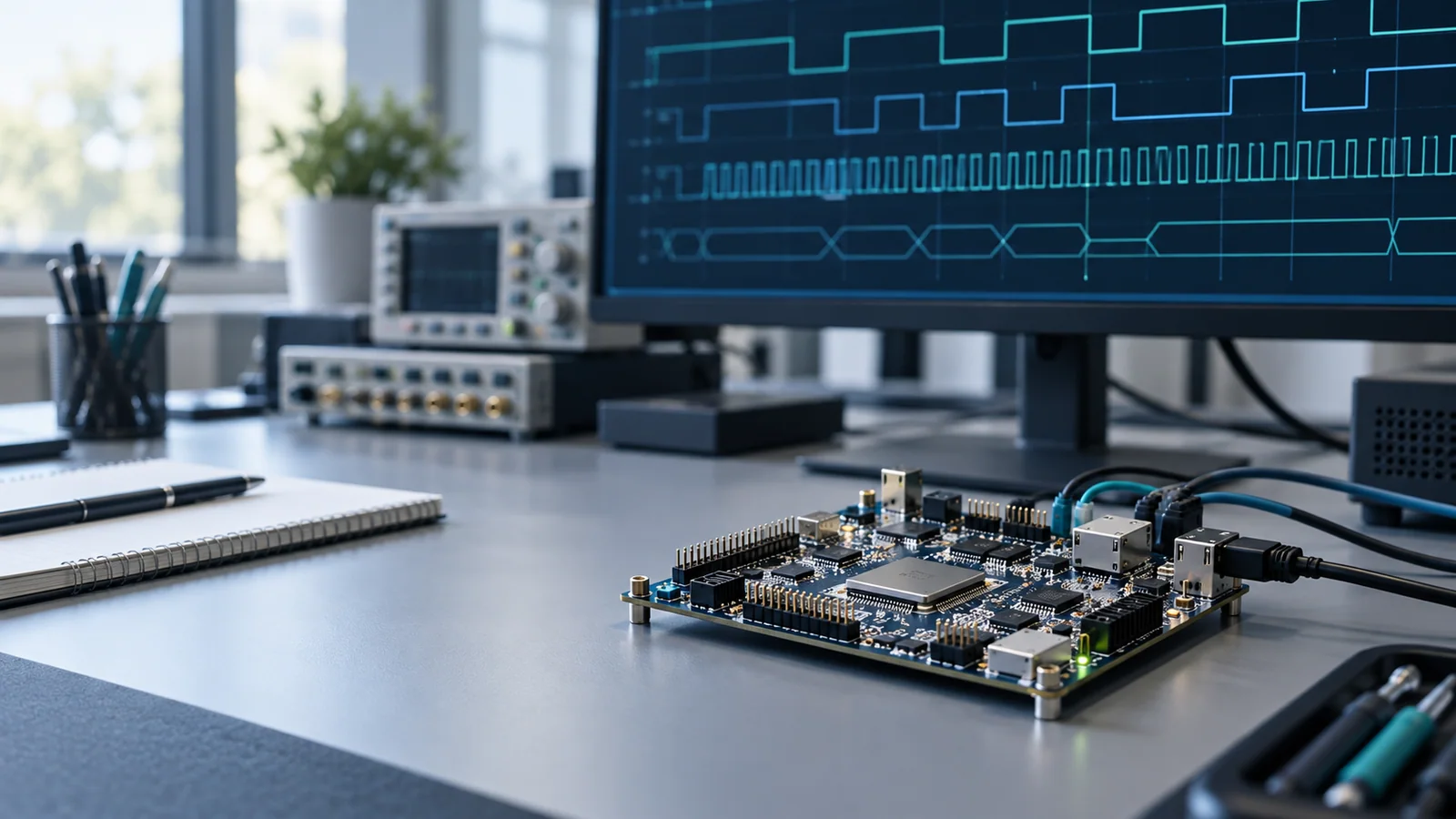
A simulation is especially useful when it answers a specific question: does a component behave as required after reset? Is data preserved under backpressure? Is a boundary value handled correctly? Answering these questions takes more than starting a simulator: it requires controlled inputs, an unambiguous expectation and an understandable failure message.
Reduce the failing case
First preserve the triggering test and source revision. Only then reduce the set of involved modules without losing the observed behaviour. A short, repeatable test is often more valuable for debugging than a very long waveform. Document the clock period, reset, generic values and random seed where applicable.
Treat the phases separately
- CompilationThe compiler analyses the files in their assigned libraries. Resolve missing packages and incorrect language settings at this stage.
- ElaborationThe model is constructed from the selected design units, bindings and parameters. Successful compilation does not guarantee a valid hierarchy.
- ExecutionThe testbench generates stimuli, time advances and checks evaluate behaviour.
- AnalysisAssertions locate the violated expectation; waveforms and source context help explain its cause.
Active-HDL or Riviera-PRO?
Active-HDL is an integrated FPGA development and simulation environment for Windows. Riviera-PRO addresses extensive verification workflows. Choose based on the operating system, testbench style, libraries and required debugging and coverage features. The edition and licence scope must cover your specific requirements.
What an evaluation test should demonstrate
- Existing HDL code and required IP models can be built with the intended options.
- A deliberately introduced error is detected with a useful message.
- The failure can be reproduced from a saved source revision.
- A colleague can understand the results without relying on the original workstation environment.
Start with a self-checking testbench from the application notes. To turn this into repeatable runs, continue with automation.